
Chat in Context
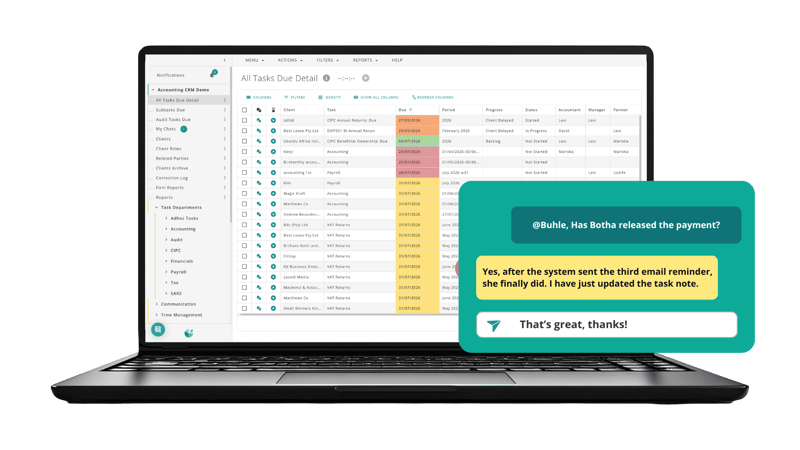
Talk to the team against the actual task, so conversations and decisions remain connected to the work they relate to.
Create consistency across your firm. No credit card required.
In-app chat keeps discussions linked to the tasks your team can access, notes capture important context for later, and progress statuses show everyone where work stands at a glance. Add documented workflows and training resources, and your team has one place to understand both what needs to happen and how to do it.
A stronger firm is built on systems, not memory.
Many firms rely heavily on a few experienced team members who understand every process and client requirement. While this works initially, it creates risk when those individuals are unavailable, change roles or leave the firm.
DataGrows helps firms document processes, workflows and guidance so knowledge becomes part of the business instead of being locked inside a few people's heads.
Good collaboration means more than sending messages. It means having the right conversation, information and history attached to the work.
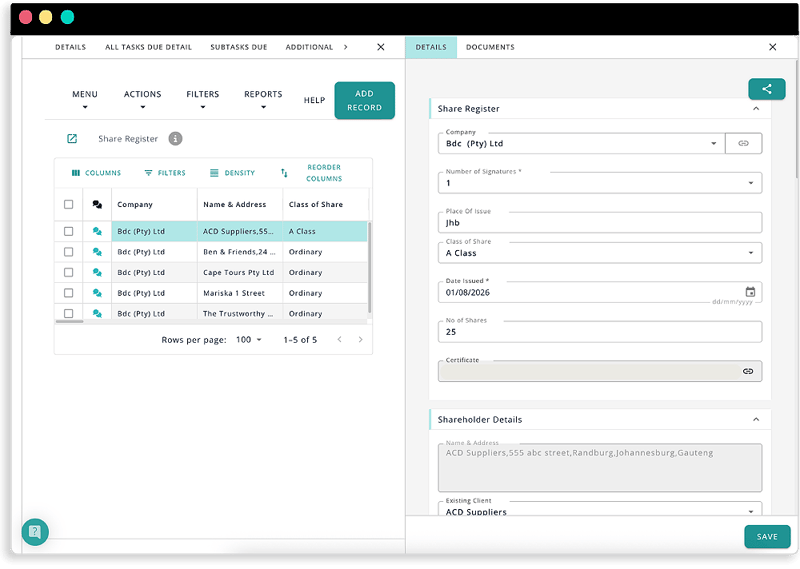
With DataGrows, team members can see task progress, read previous notes and communicate with colleagues who have access to that task.
Instead of reconstructing the story from WhatsApp, email and conversations, your team can open the task and understand what has happened, where it stands and what needs to happen next.
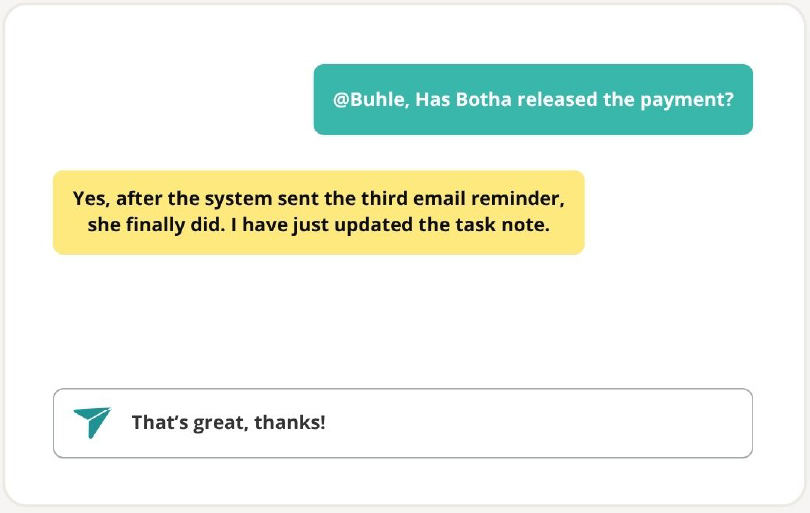
In-app chat keeps team conversations linked directly to the relevant task.
If a team member can access a task, colleagues can communicate with them about that work within DataGrows. Questions, answers and decisions stay connected to the task rather than disappearing into separate inboxes or chat groups.
This makes it easier to:
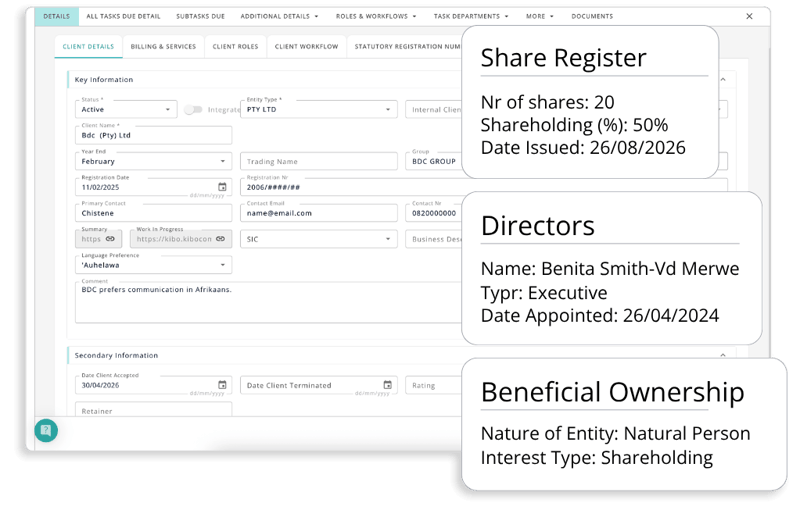
Use notes to record client feedback, exceptions, follow-up information or anything the next person working on the task should know.
Instead of important context living in someone's memory or notebook, it stays connected to the work.
This creates better handovers and helps managers, reviewers or other team members understand the history without having to ask someone to explain it.
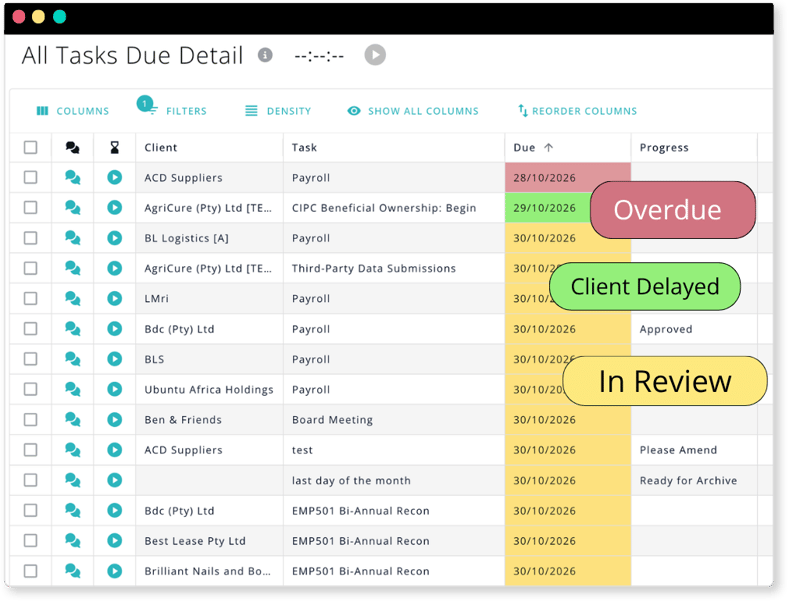
Progress dropdowns make task status visible at a glance.
Your team can update work as it moves through different stages, giving managers a clear view of where things stand without interrupting staff for updates.
Depending on your workflow, progress can show when work is underway, delayed, awaiting review or ready for the next step.
The result is simple: fewer “Where are we with this?” messages and clearer oversight across the firm.
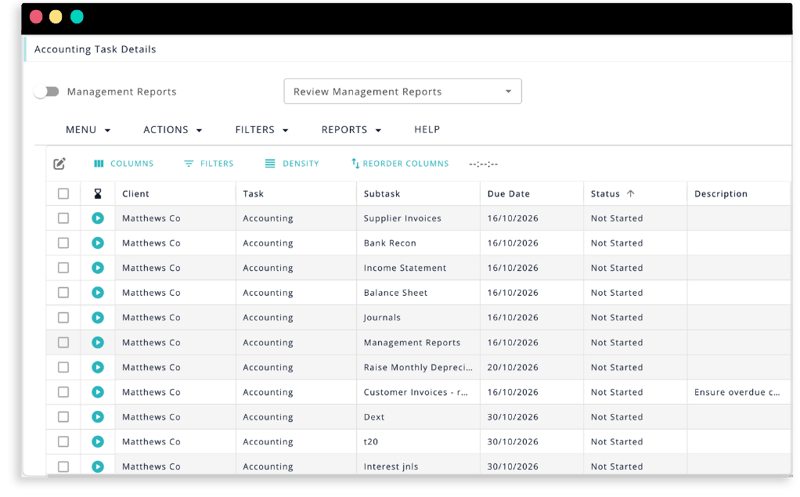
Documented processes help your team understand how to complete work, not just what needs to be done.
DataGrows allows firms to build guidance, required documents, templates and process steps into their workflows.
New and experienced employees can work from the same process, helping you:
DataGrows helps your team communicate more clearly, preserve context and work consistently without depending on constant manegement intervention.
See progress directly in DataGrows rather than gathering the team just to check on where work stands.
Keep task-specific conversations connected to the work instead of scattered across communication channels.
Give the next person access to the notes, conversation, progress and history needed to continue the work.
See progress across tasks without asking each employee for an individual update.
Keep useful information attached to clients and tasks rather than trapped in individual memory.
Ask questions directly against a task so the right team members can respond with the full context available.
Make ownership and progress visible so everyone understands what is expected and what happens next.
Give new team members access to established workflows, instructions and training while they work.
Help everyone follow the same proven steps regardless of who completes the task.
Give employees access to past notes, guidance and process information before they need to ask a manager.
Make it easier for someone else to step in when a colleague is unavailable or on leave.
Keep processes and client context visible so service quality does not depend on one particular employee.
Talk to the team against the actual task, so conversations and decisions remain connected to the work they relate to.
Use notes fields to document important information, client updates and exceptions so the next person has the full story.
Use progress dropdowns to communicate exactly where work stands, giving the team and management a clear view at a glance.
Managers don't need to interrupt the team simply to understand progress.
Notes, conversations and task status give the next person the context to continue.
Staff know where to find the information, guidance and people they need.
Knowledge and work history remain with the firm when people are unavailable.
Collaboration becomes far more useful when it's connected to the rest of the practice.
DataGrows links conversations, notes and progress to the same tasks used for Task & Workflow Management, Audit Management, CIPC and SARS workflows, Timekeeping & Billing, and Overviews & Reports.
That means a conversation isn't simply another message. It has a client, task, owner, status and history behind it.
Your team gets the context to act, while management gets the visibility to lead.
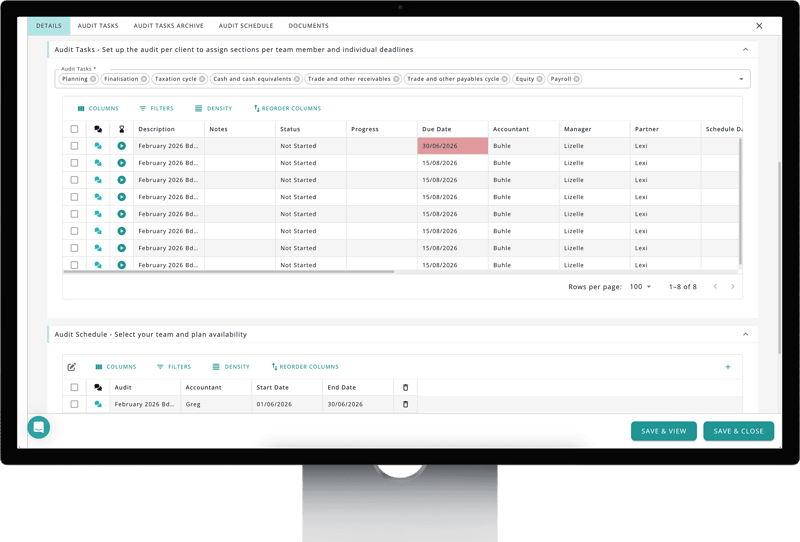
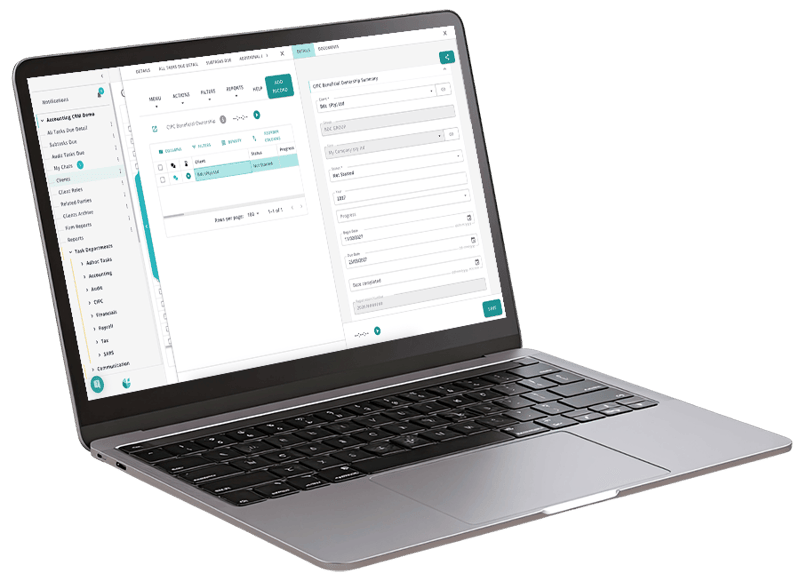
DataGrows keeps communication close to the work, rather than creating another disconnected channel.
Your team can chat against tasks, preserve important information in notes and communicate progress through clear statuses. Add documented workflows and training, and employees gain both the context and guidance they need to work more independently.
The result is not simply better communication.
It is a firm where everyone can see what is happening, understand what comes next and find the knowledge needed to move work forward.
Works hand-in-hand with:
The best way to build consistency is to document processes and embed them in the workflow. DataGrows automates your workflows and provides complete lists of steps and required documents for each workflow. This means team members follow the same process every time rather than relying on memory or informal training. Consistent workflows reduce errors and improve service quality.
Accounting firms reduce onboarding time by providing new staff with clear guidance and structured workflows from day one. DataGrows keeps training resources, process documentation and templates inside the system so employees learn while completing real work. This helps new team members become productive more quickly while reducing the burden on managers.
Knowledge loss is one of the biggest risks facing growing firms. DataGrows helps firms capture processes, instructions, discussions and best practices inside the platform. This keeps knowledge accessible to the wider team even when key individuals change roles or leave the business. The firm becomes less dependent on specific people.
The most successful knowledge bases are integrated into daily workflows. DataGrows connects your unique workflows and required documents to the tasks where they are needed. Team members don't need to search through folders or manuals because the information is available in the context of the work they're doing.
Managers reduce repetitive questions by documenting common processes and making them easily accessible. DataGrows allows firms to create repeatable workflows that include instructions, required documents and supporting information. Team members become more self-sufficient because the system already provides the guidance they need.

ready when you are
The most successful firms do not depend on a handful of experts to keep work moving. They build systems that help every team member work consistently and confidently.
DataGrows helps accounting firms capture knowledge, improve collaboration and create repeatable processes that scale with the business.
— no pressure, no credit card.
500+ SA practices
30-day free trial
No credit card required