
IN-APP CHAT
Communicate as you work.
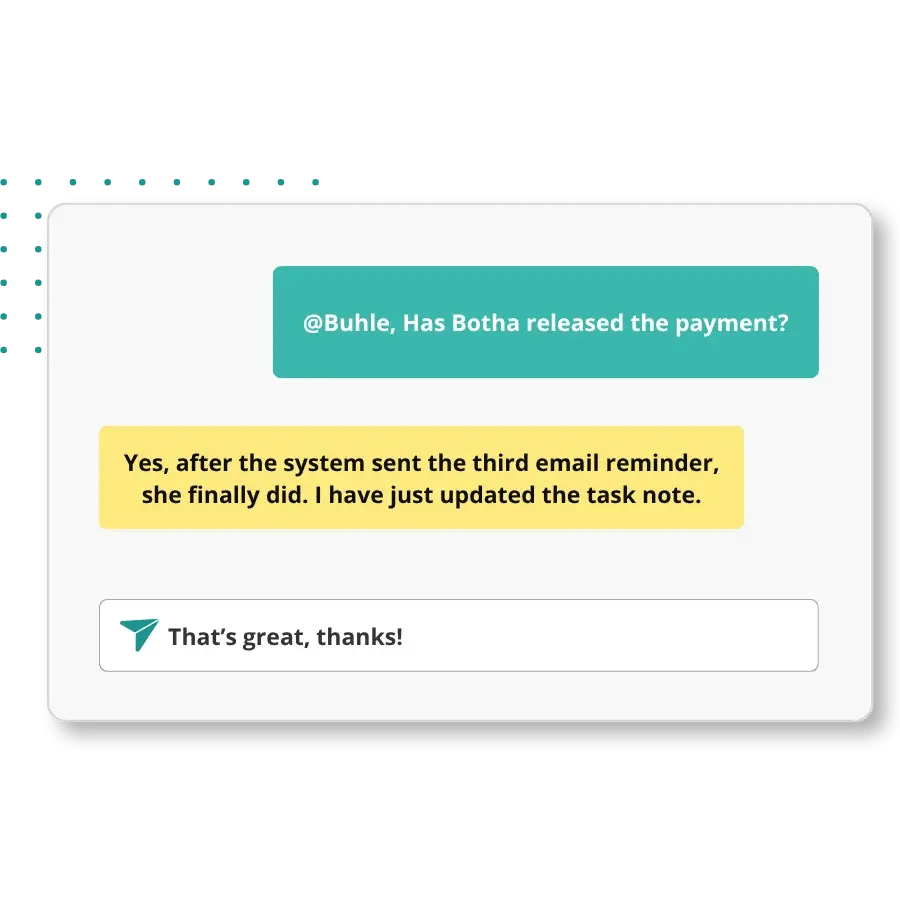
DataGrows offers an In-App chat so your team can communicate as they work. Team members can chat about tasks directly inside DataGrows. Anyone with access to that task can see the relevant conversations and understand the context around the work.
Effective communication keeps everyone on the same page, reduces duplicate effort, and supports a streamlined workflow. Ultimately, this boosts productivity and helps the firm deliver exceptional results to clients.
CONTEXT THAT STAYS WITH THE WORK
The Full Story Stays With the Task
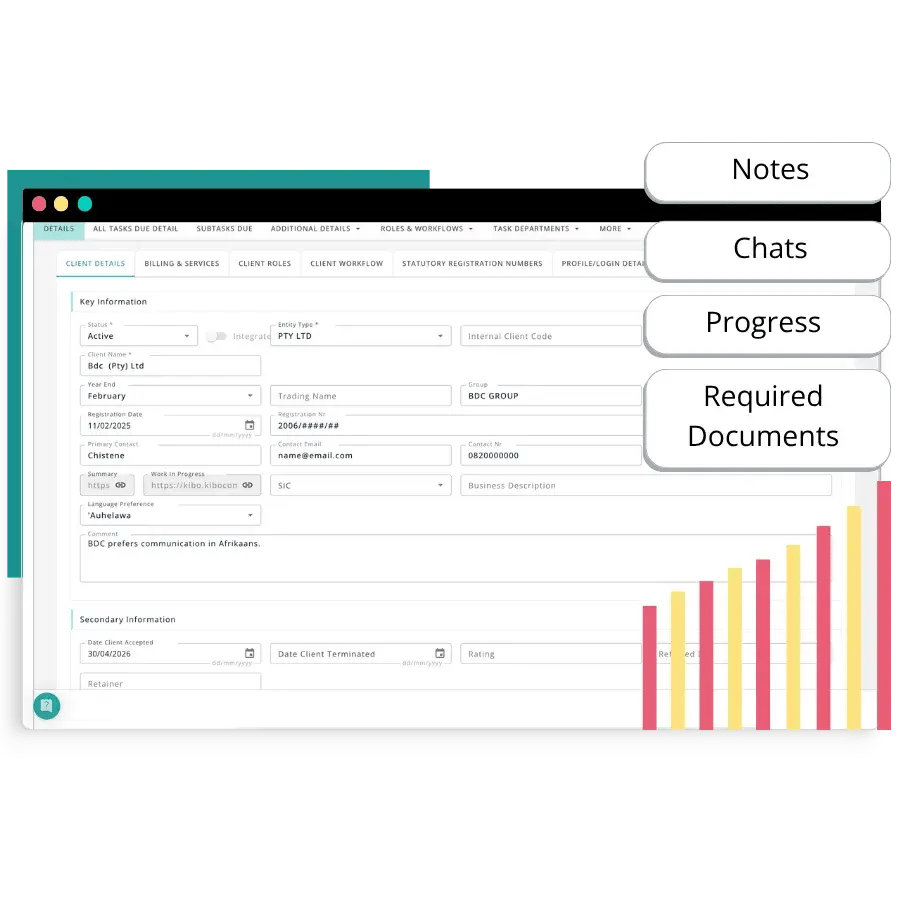
Your team updates progress as work moves forward and uses notes to record client feedback, exceptions, decisions and useful information the next person may need. Documents and other essential information are stored with the client and task record, so everything you need to know is available at a glance.
Managers can quickly see where work is resulting in fewer interruptions for staff and cleare oversights for managers.
AUTOMATED CLIENT EMAIL REMINDERS
Stop Chasing Clients for the Same Things
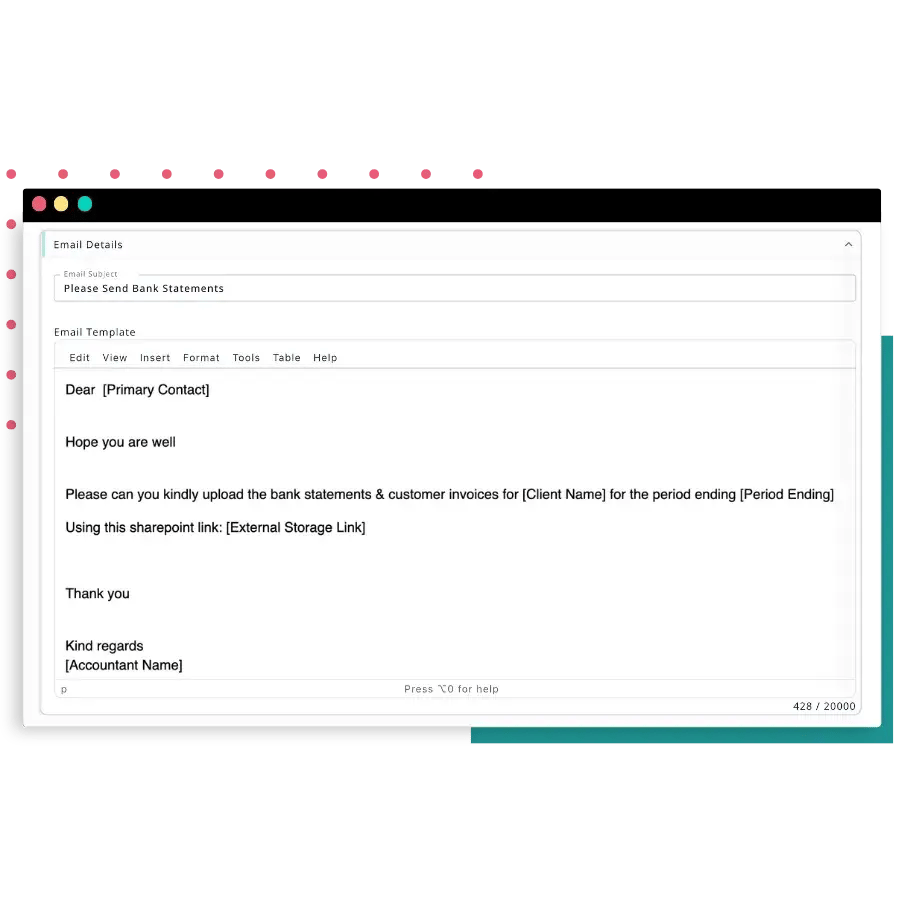
Use the automated email functionality so your team doesn't have to send the same reminder again and again. Set the reminder frequency, and DataGrows continues sending emails until your team marks the related task as complete.
Automate reminders for things like:
- Paying VAT returns
- Sending bank statements.
- Provisional tax deadlines
- Birthday emails
- Many more...
Emails can be sent through your firm's Microsoft 365 email connection, helping communication come from your business account. If Microsoft 365 is not connected, you can send reminders from a no-reply address.
CUSTOM WORKFLOWS & PROCESS GUIDANCE
Turn Your Best Processes Into the Team’s Way of Working.
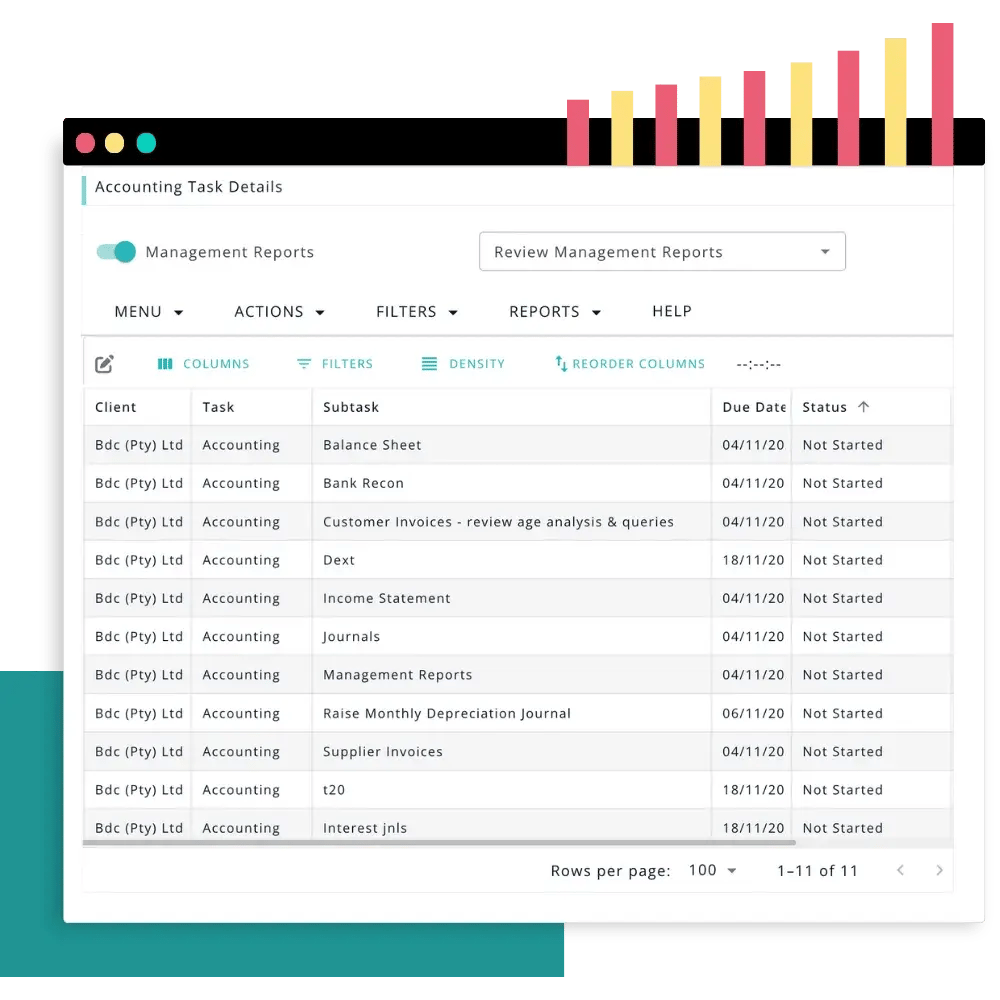
A task tells someone what needs to be done. A good workflow helps explain how your firm expects it to be done. Build the steps, instructions, required documents and guidance your team needs into the workflow itself. This ensures that your firm's knowledge becomes a repeatable process the whole team can follow.
As your firm grows, training should not create another management bottleneck. Because work processes are mapped out, new employees can easily get going, helping employees build confidence while managers spend less time repeating the same explanations.
GROW SKILLS ACROSS YOUR TEAM
Grow Skills Faster.
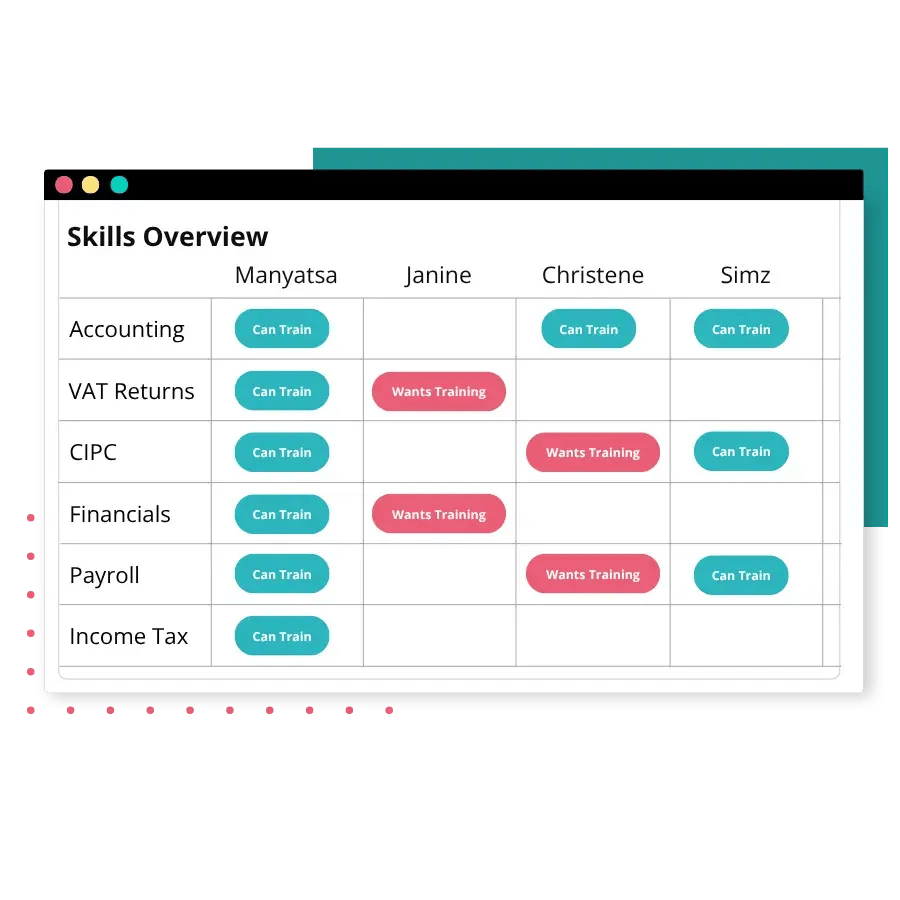
The Organisational Skills Matrix analyses each staff member's skill level, so the team knows exactly who to go to with questions.
This feature provides an invaluable opportunity for growth within an accounting firm. Staff will easily see who requires training on a skill and who is equipped to provide that training and answer questions, reducing pressure on management to train staff. This collaborative learning environment not only strengthens individuals' expertise but also contributes to the overall growth and success of the firm.

ready when you are
Experience it for yourself.
Start a trial today to experience the difference that collaboration and training can make for your firm. Together, let's pave the way to your financial success.
— no pressure, no credit card.
-
500+ SA practices
-
30-day free trial
-
No credit card required
- SA-based support team